01
Start from your song
Bring any track from your device and choose how much of it to use, from a short excerpt to the whole thing.
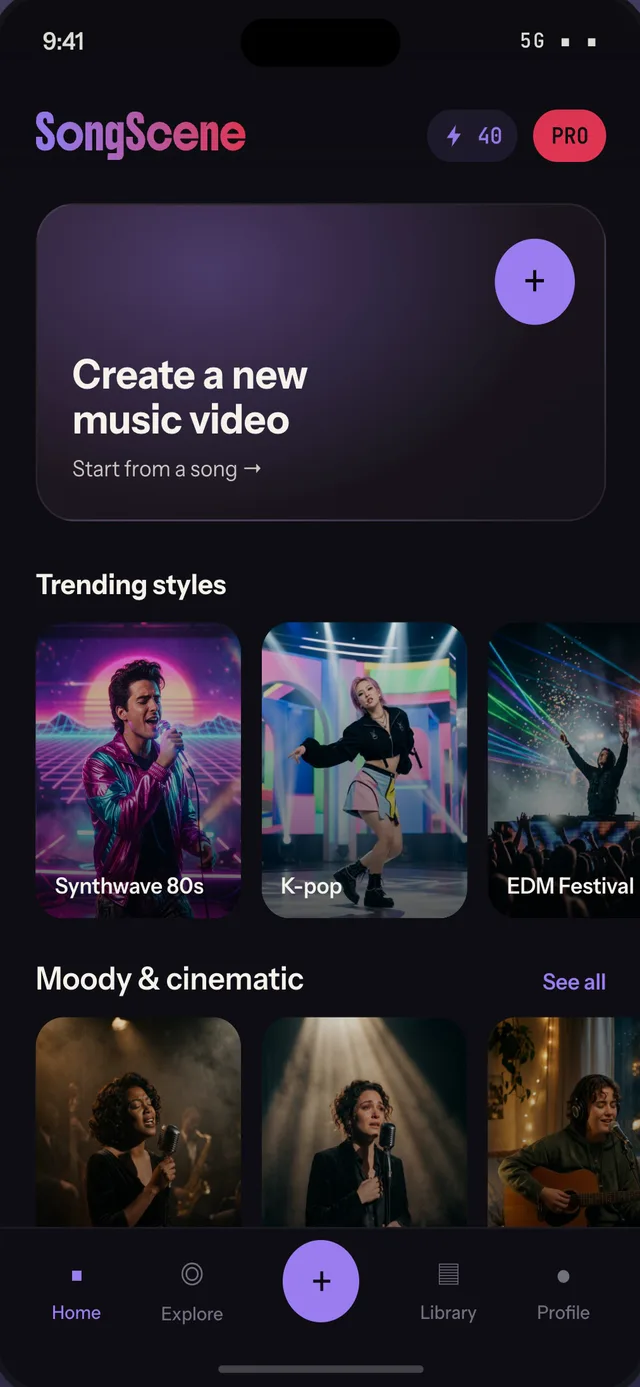

Upload a track, pick a look, and SongScene reads the song and its lyrics to direct a scene-by-scene video around them.
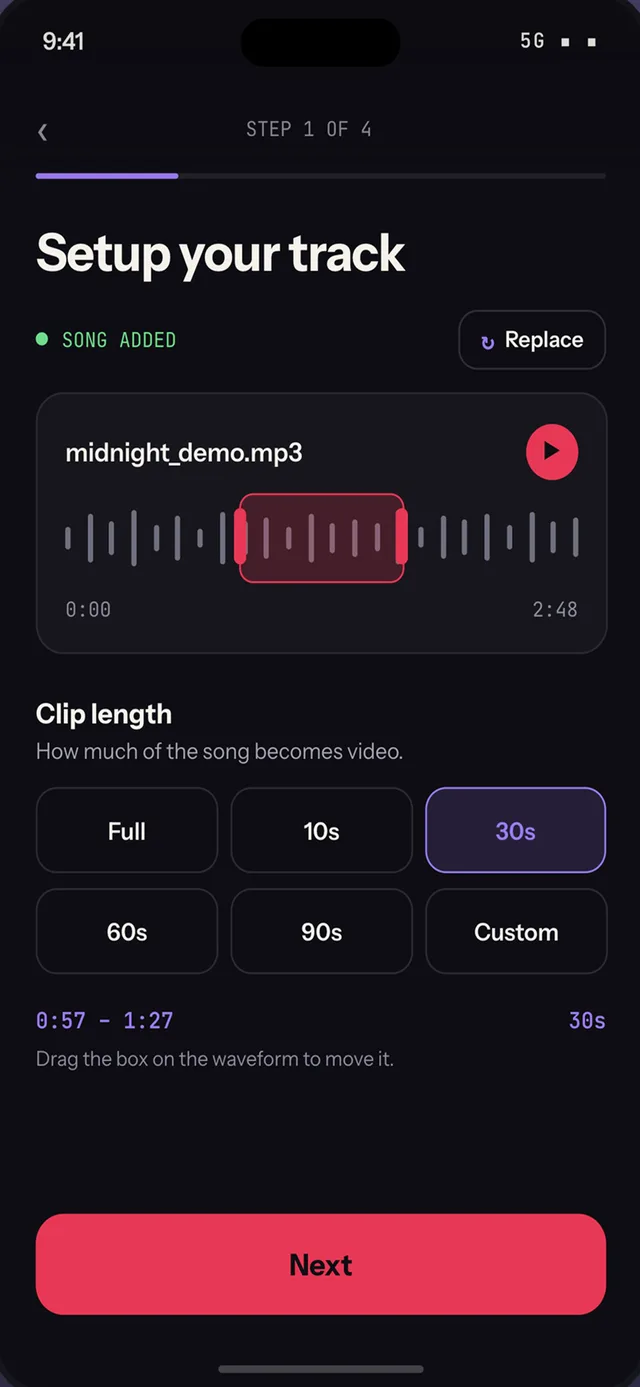
Bring any track from your device and choose how much of it to use, from a short excerpt to the whole thing.
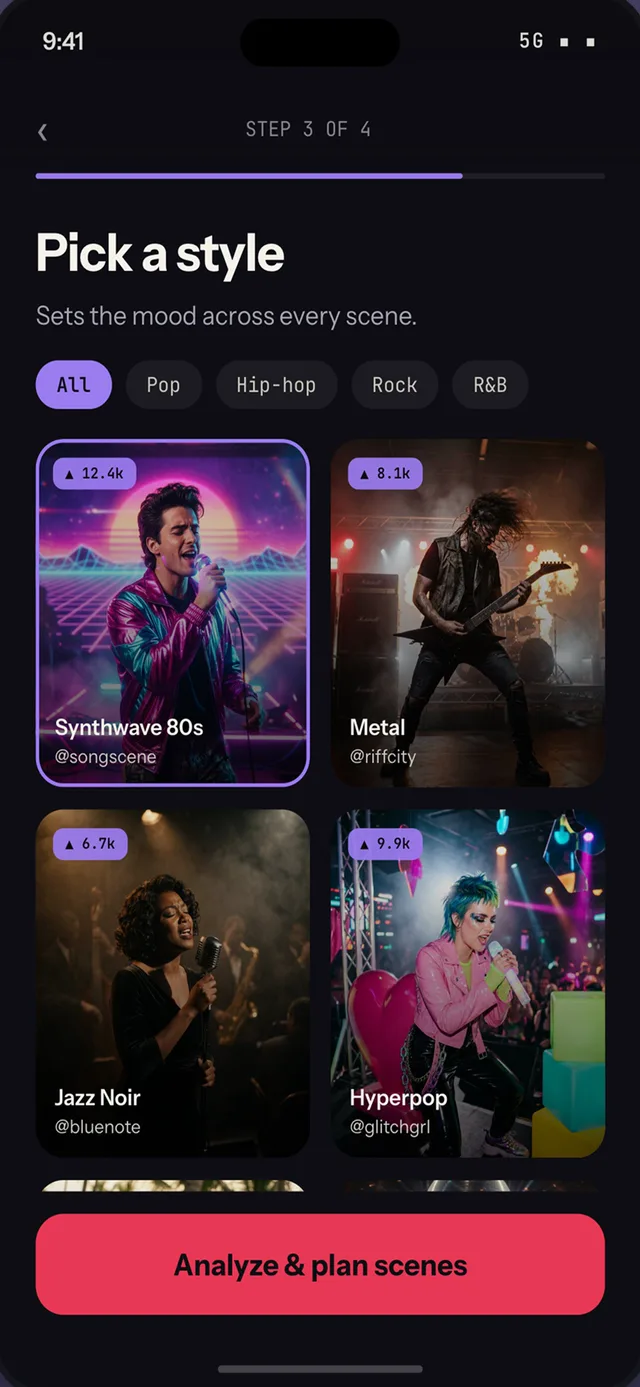
Choose a visual style like synthwave, jazz noir or lo-fi, or start from a ready-made template and make it yours.
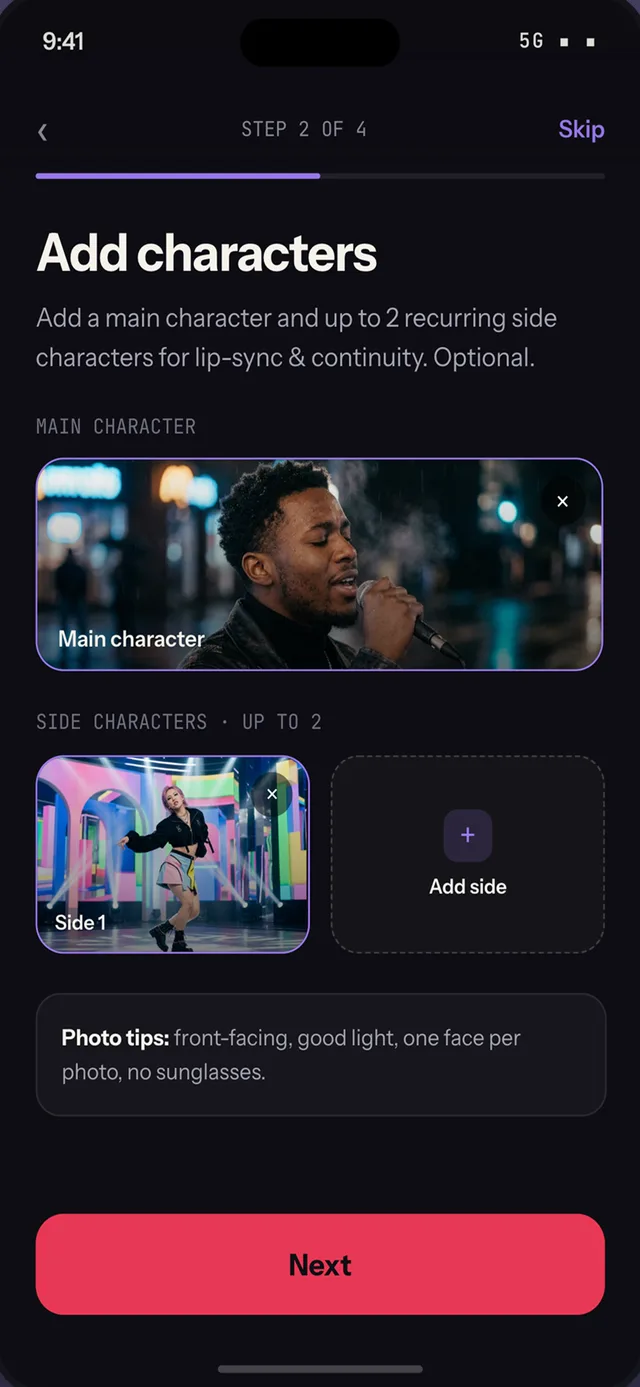
Add photos of up to three people and they carry through the video as recurring characters instead of strangers.
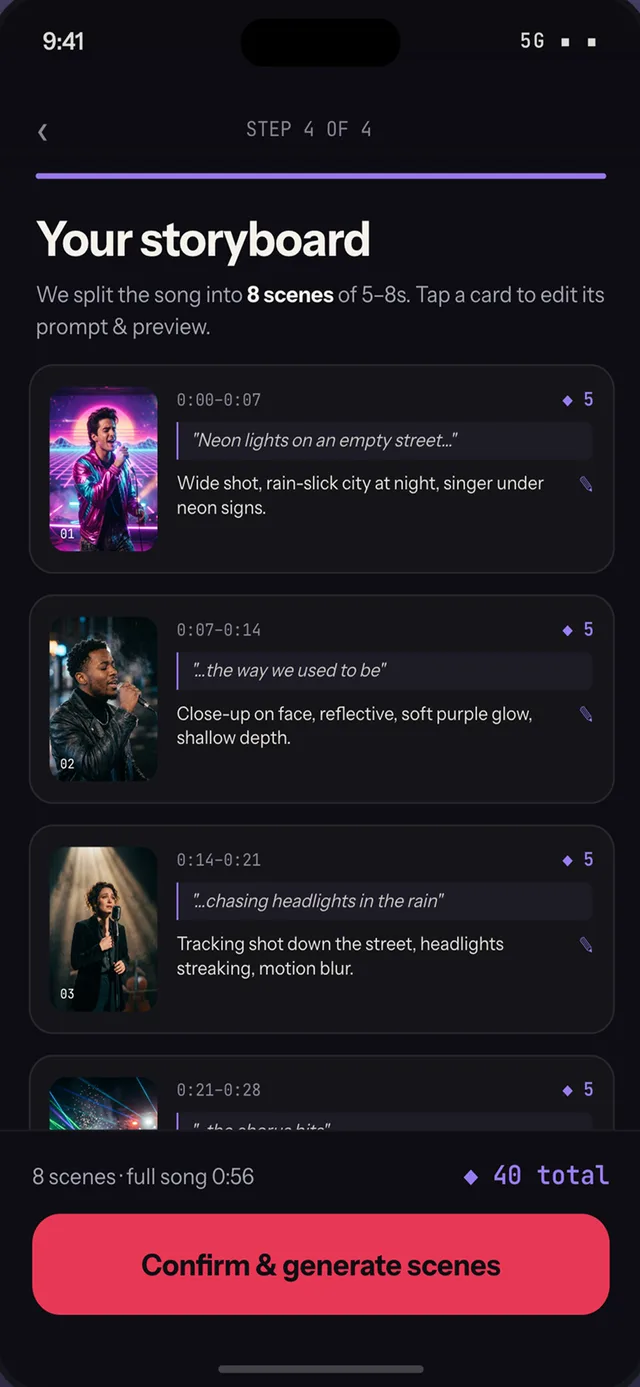
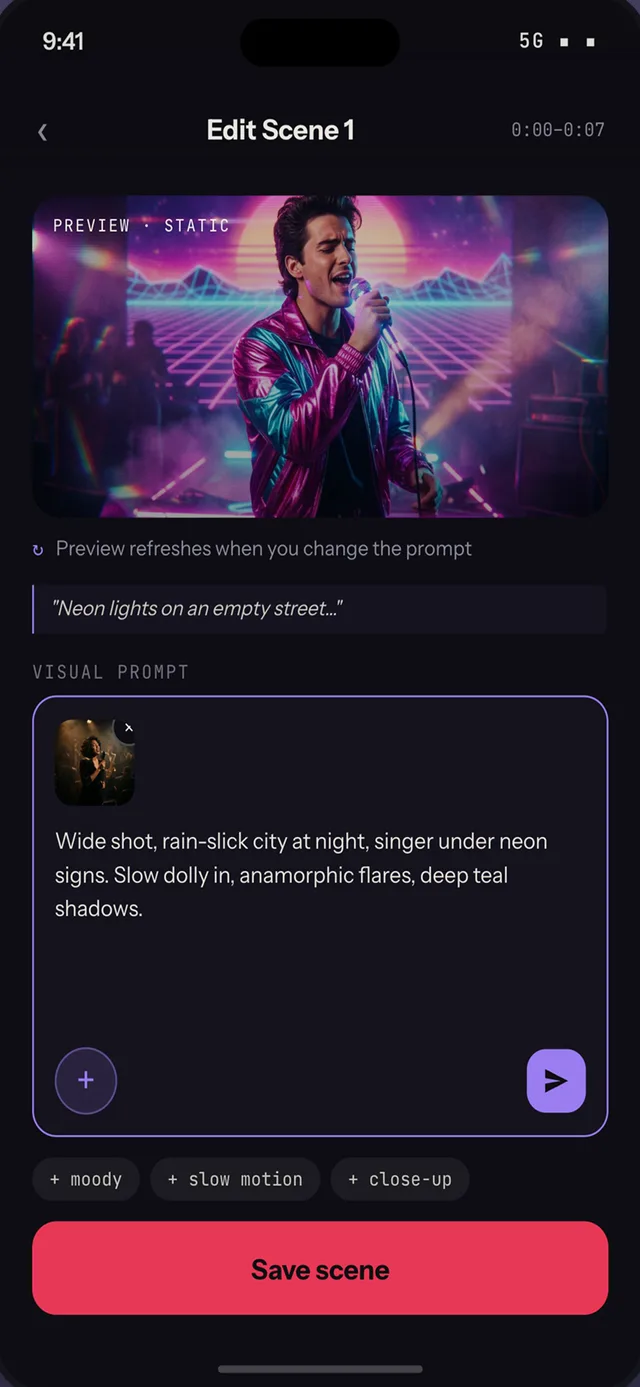
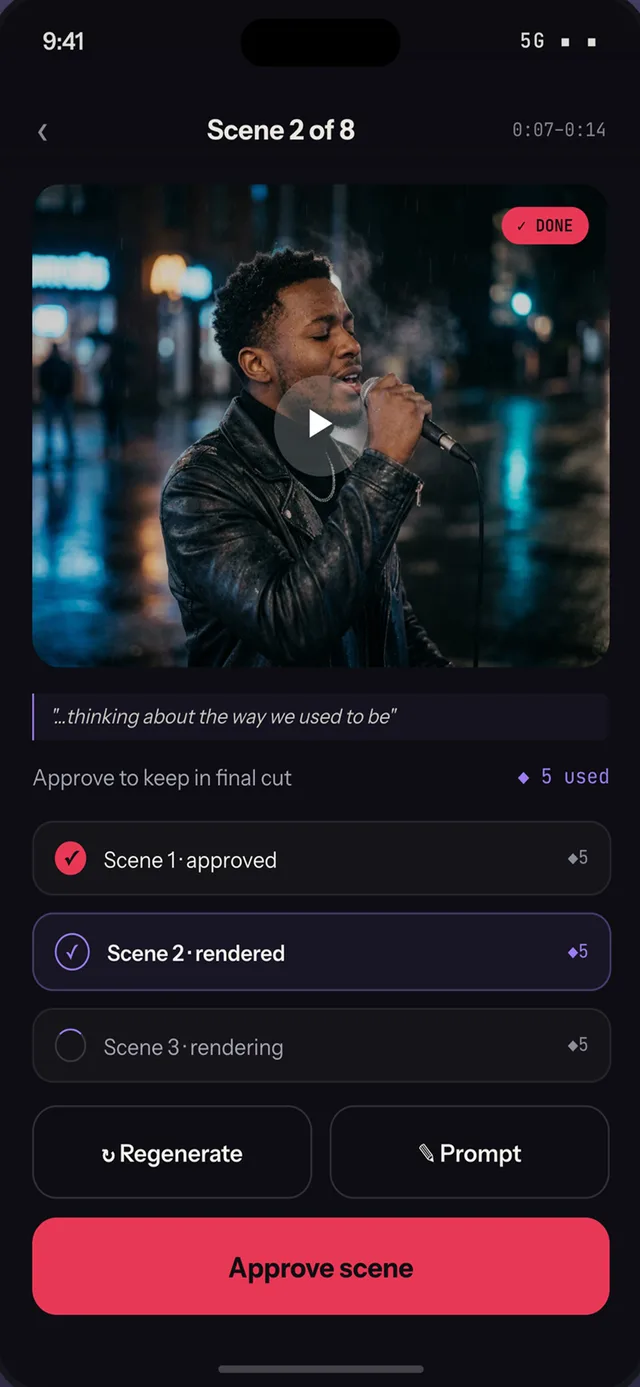
The song is split into scenes you can review one at a time, re-roll the ones you do not like, and keep the rest.
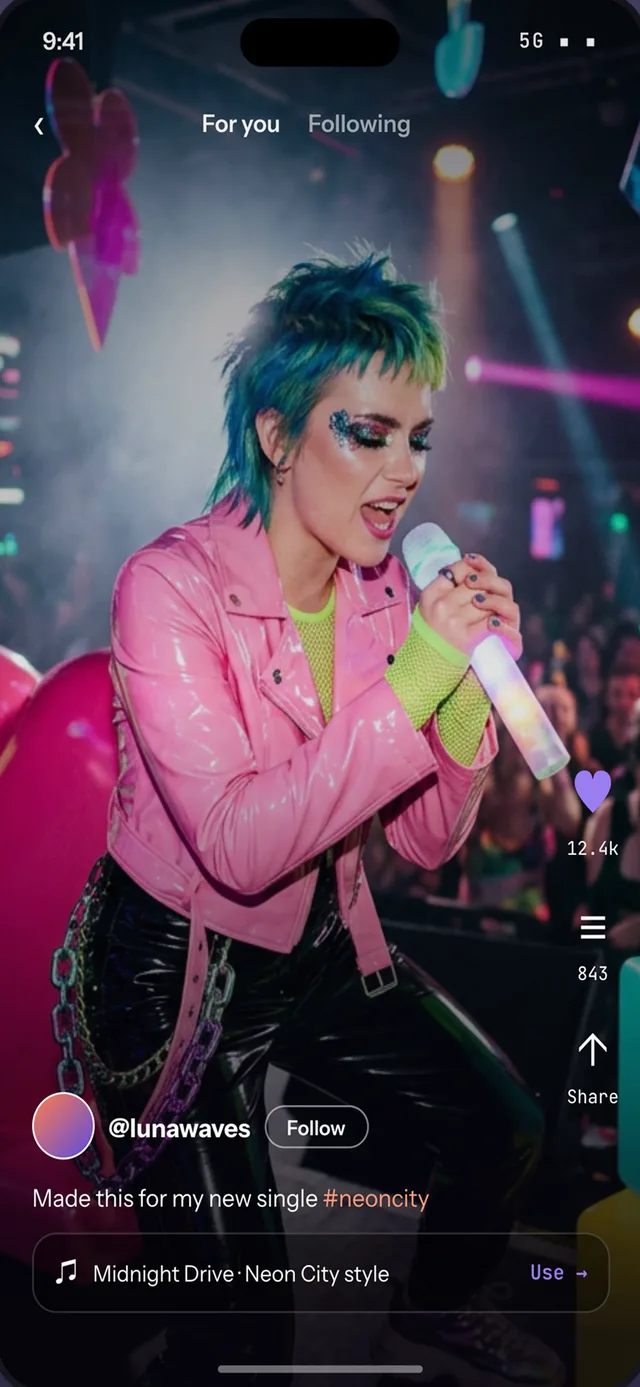
Save the finished cut or send it straight to TikTok, Reels and Shorts, and share it to the in-app Explore feed.
Your first scene is a few taps away.